Advanced Operation on vectors (annotations or detections)
This demo shows how to refine and modify annotations in the FlyPix AI workspace by adjusting polygon shapes, editing annotation nodes, and managing annotations efficiently.
Go to app.flypix.ai
1. Introduction
In this walkthrough, you’ll learn how to modify existing annotations using the Knife Tool, edit polygon shapes, and manage annotations within the workspace.
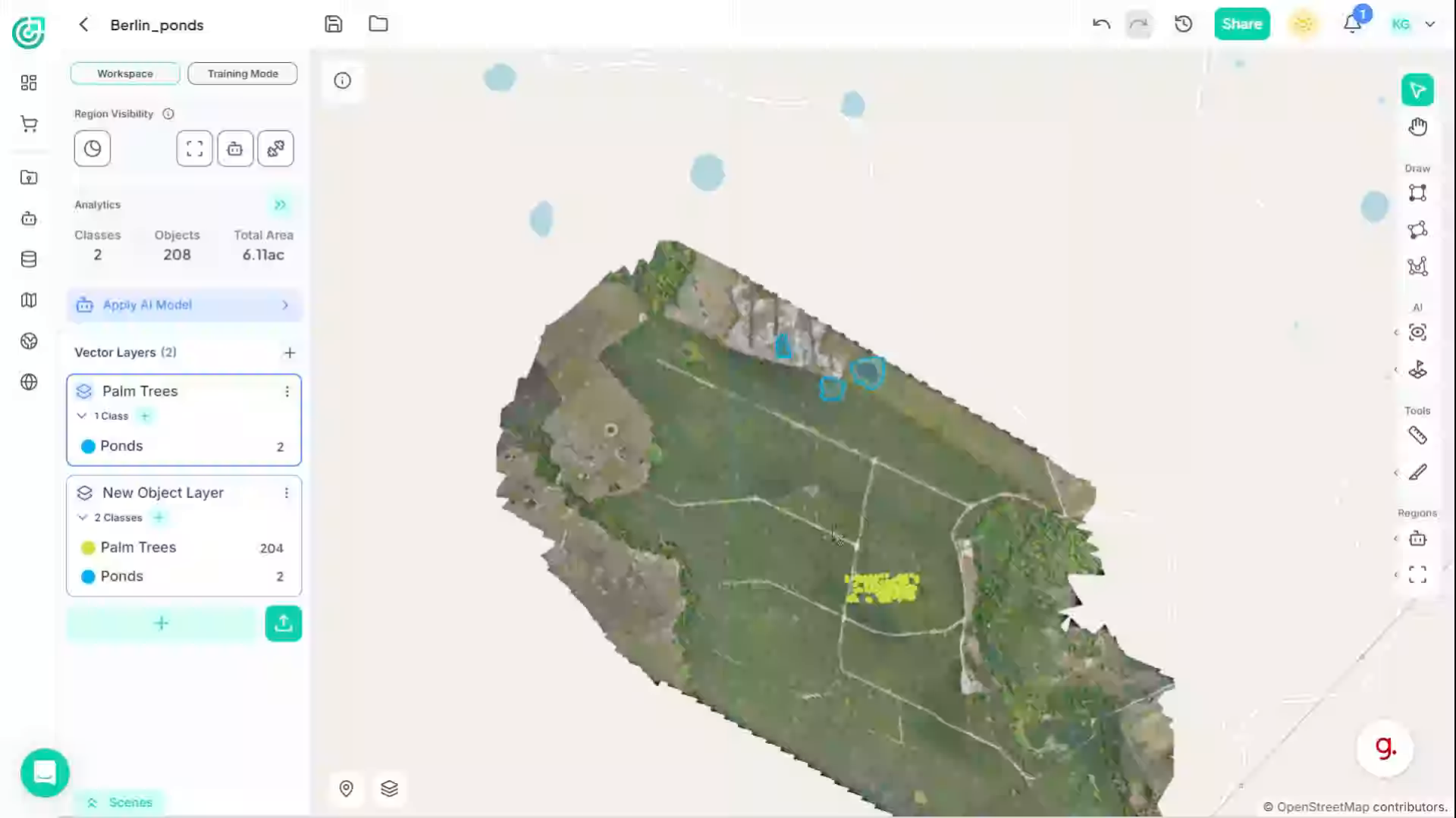
2. Access Annotation Tools
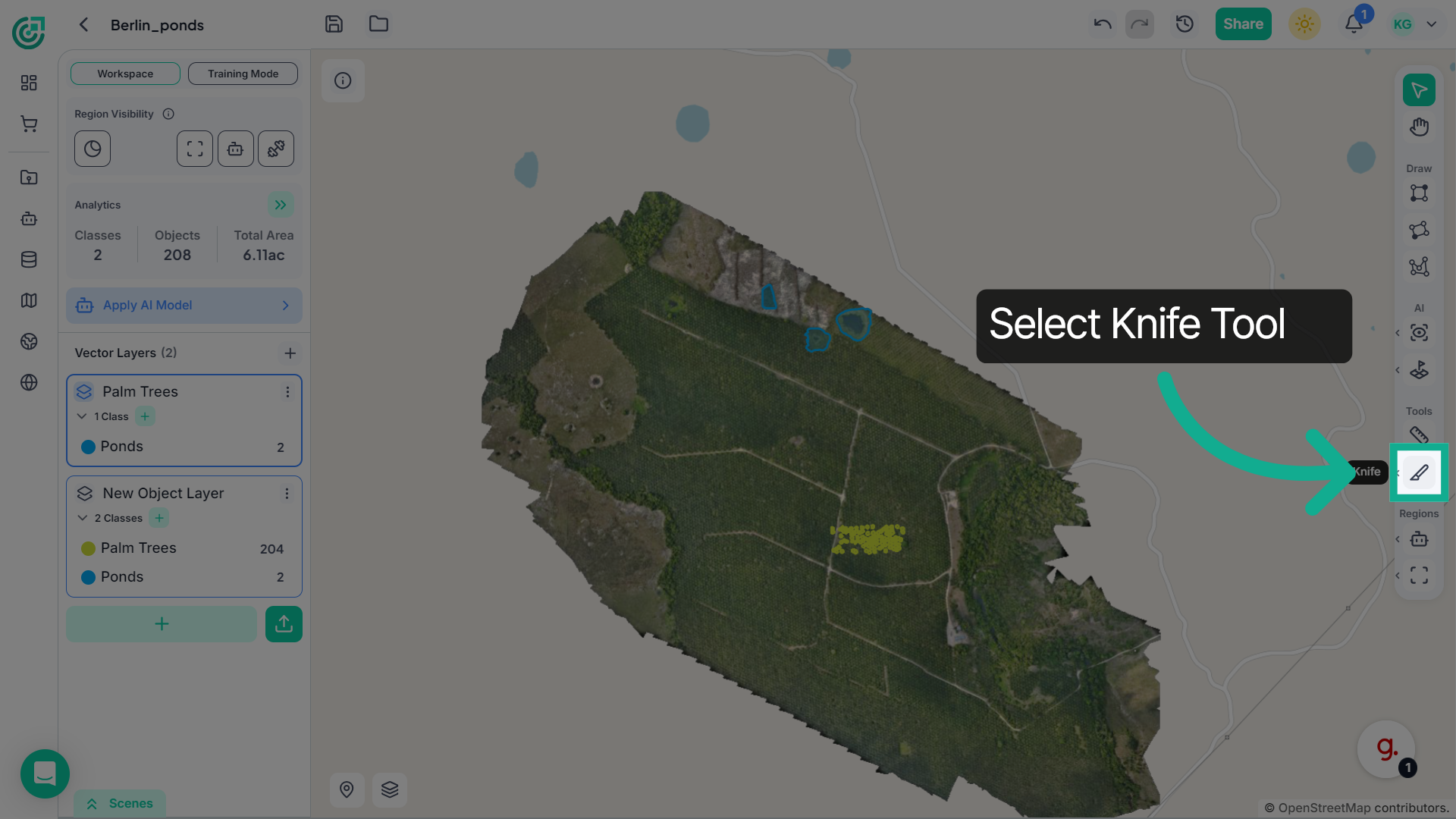
Click on the Knife Tool from the tools panel.
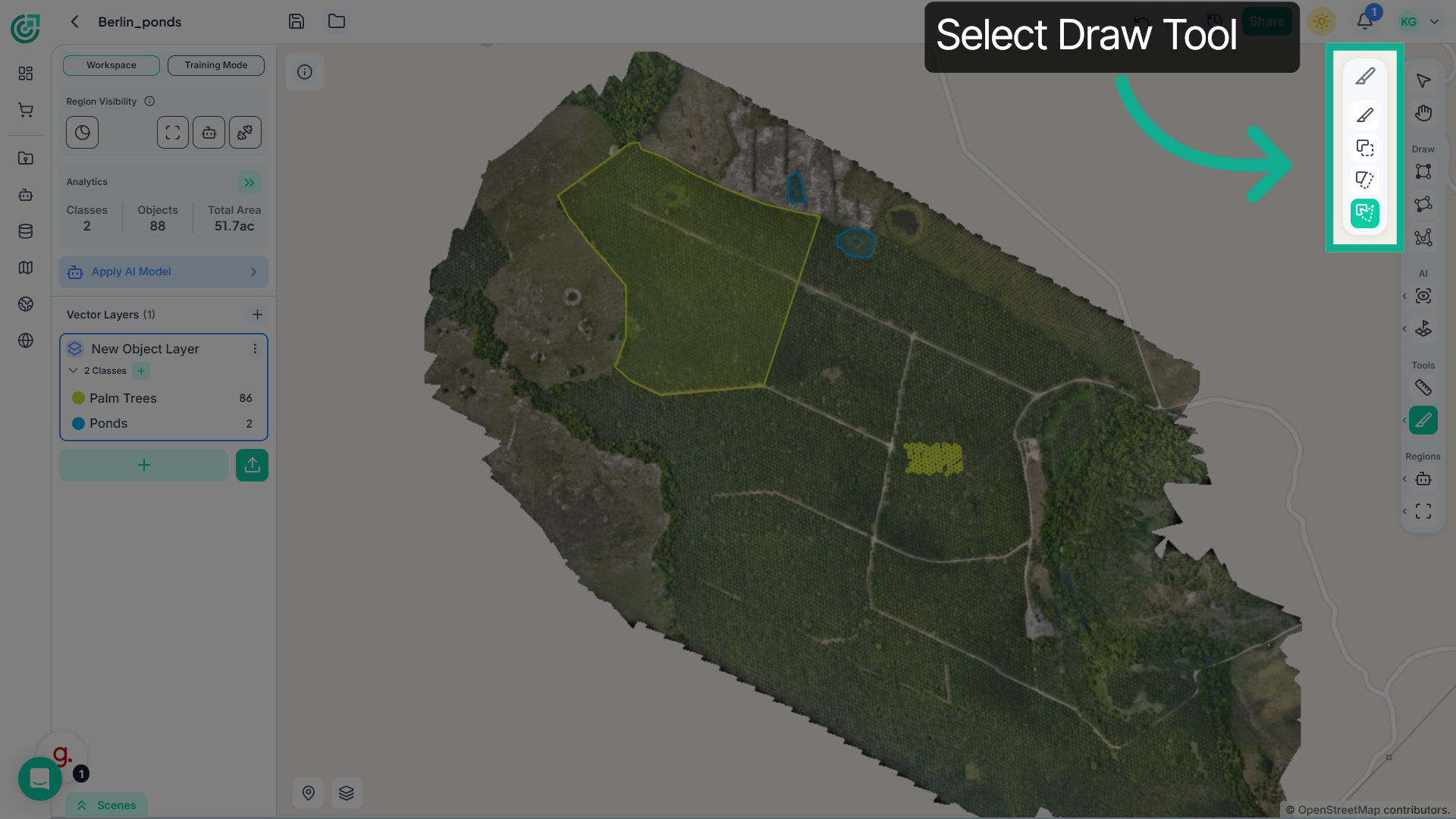
3. Access Annotation Tools
Now choose the appropriate tool depending on the shape you want to create. You can draw a bounding box, an oriented rectangle, or a polygon to define the object boundaries
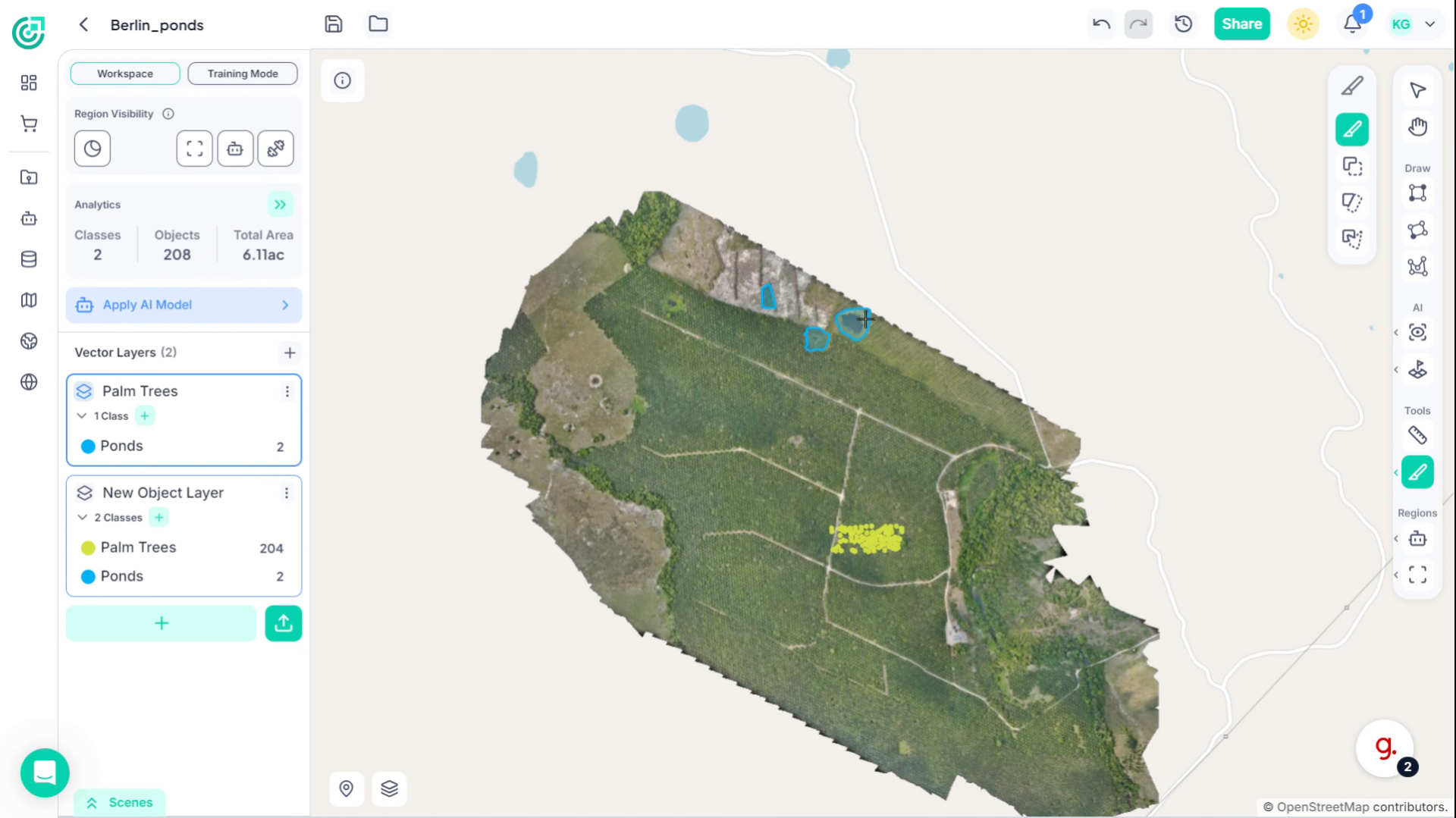
4. Introduction
Use the Knife Tool to draw along the annotation and modify the shape of the polygon. This allows you to adjust the annotation boundary and refine its geometry.
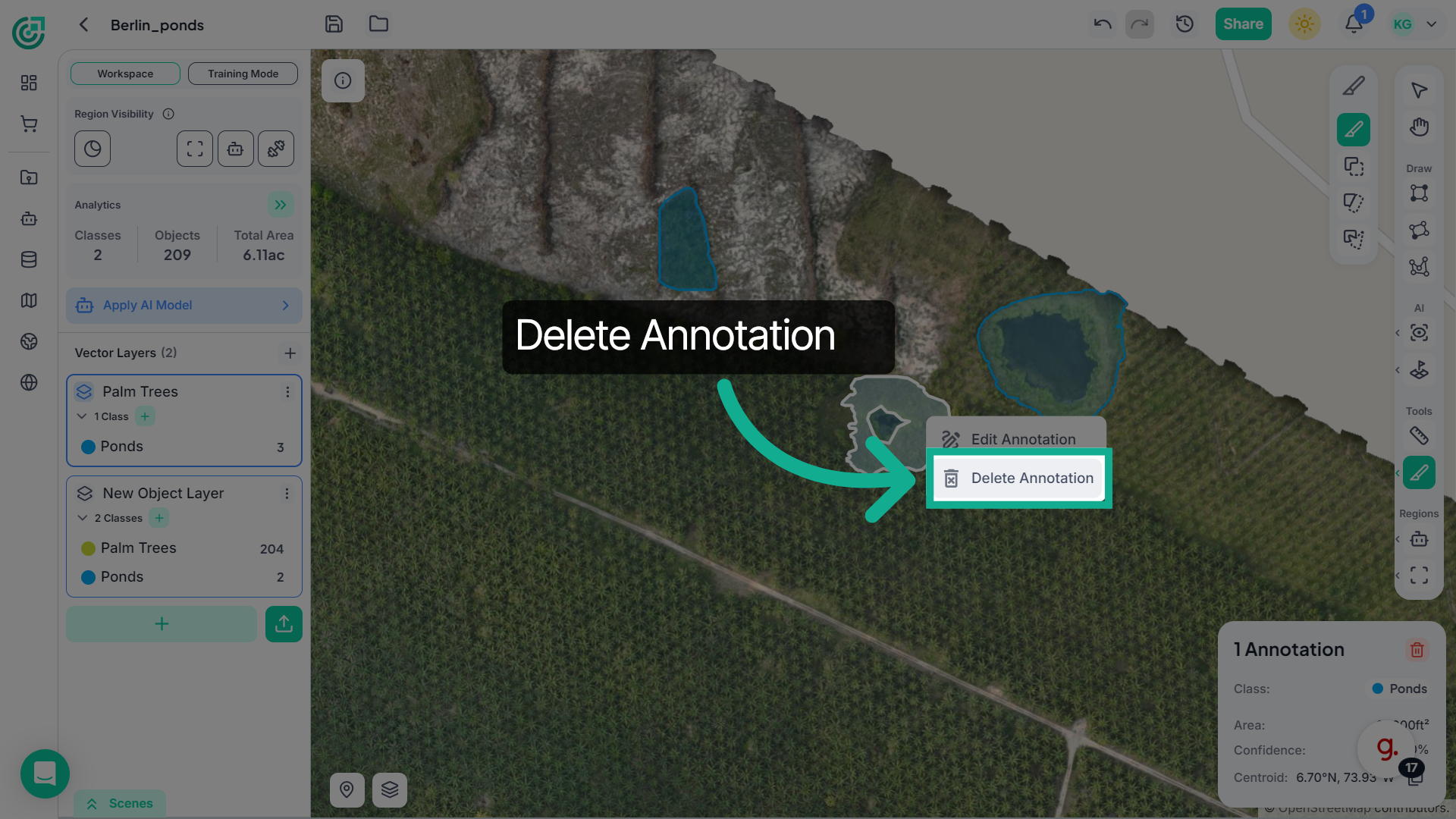
5. Delete Annotation
If the modification creates an extra or unwanted annotation, right-click on that annotation and select Delete to remove it from the workspace.
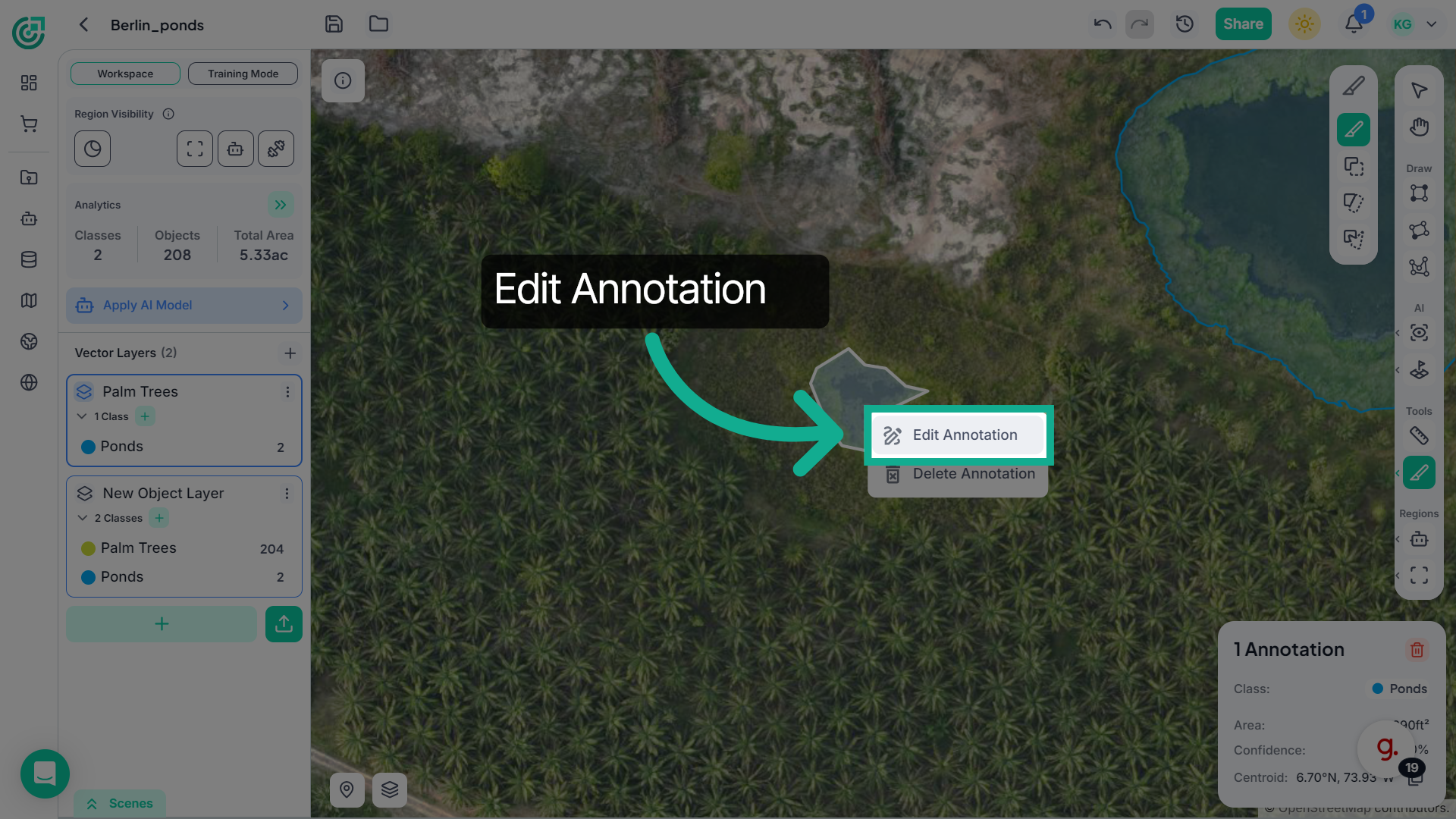
6. Edit Annotation
You can also adjust the shape of a polygon by right-clicking on the annotation and selecting Edit Annotation.
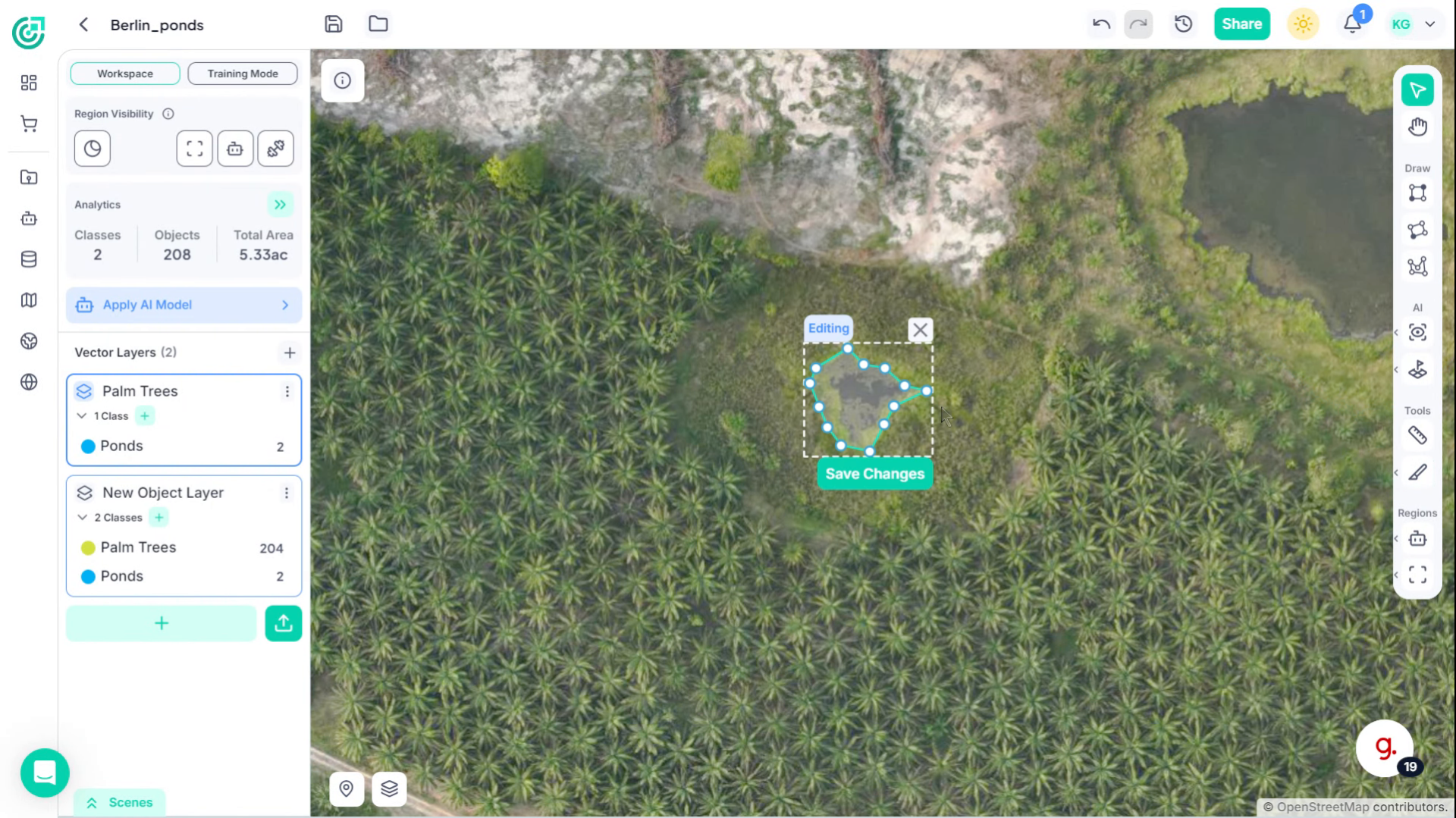
7. Edit Polygon Nodes
This allows you to move and modify the polygon nodes to refine the annotation.
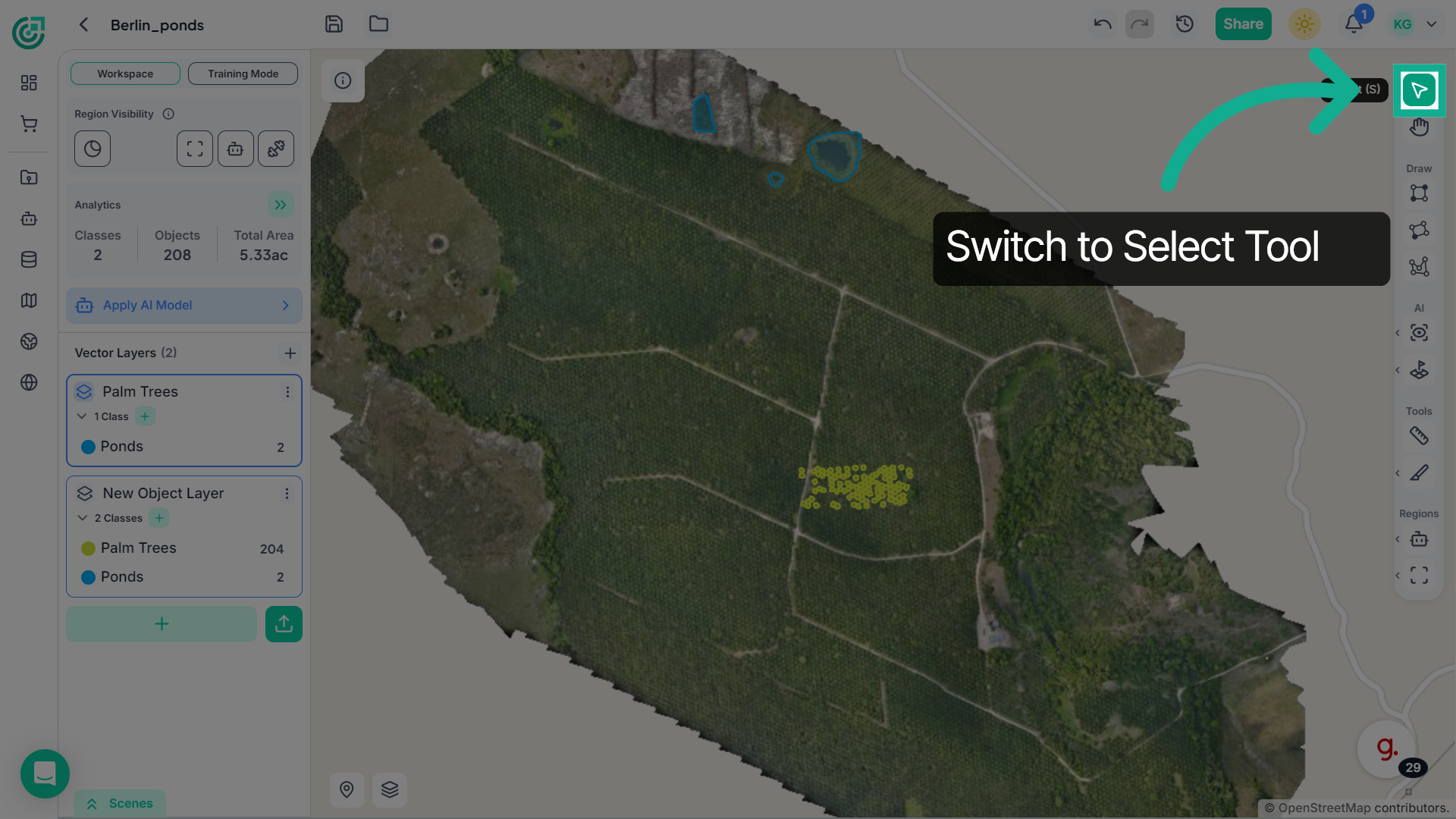
8. Return to Workspace
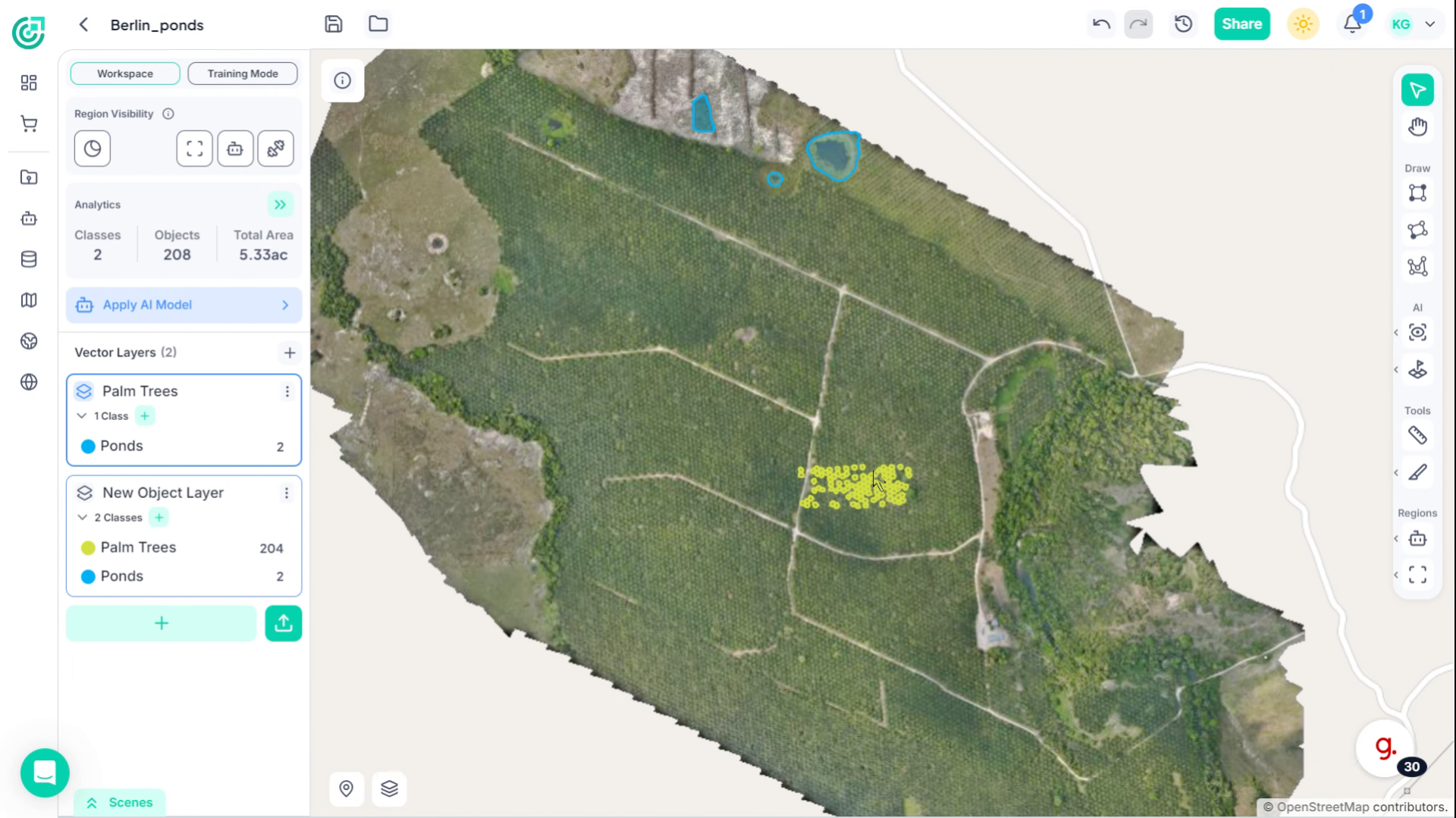
To perform bulk operations like copy, pasting or deleting annotations, switch to the Select tool.
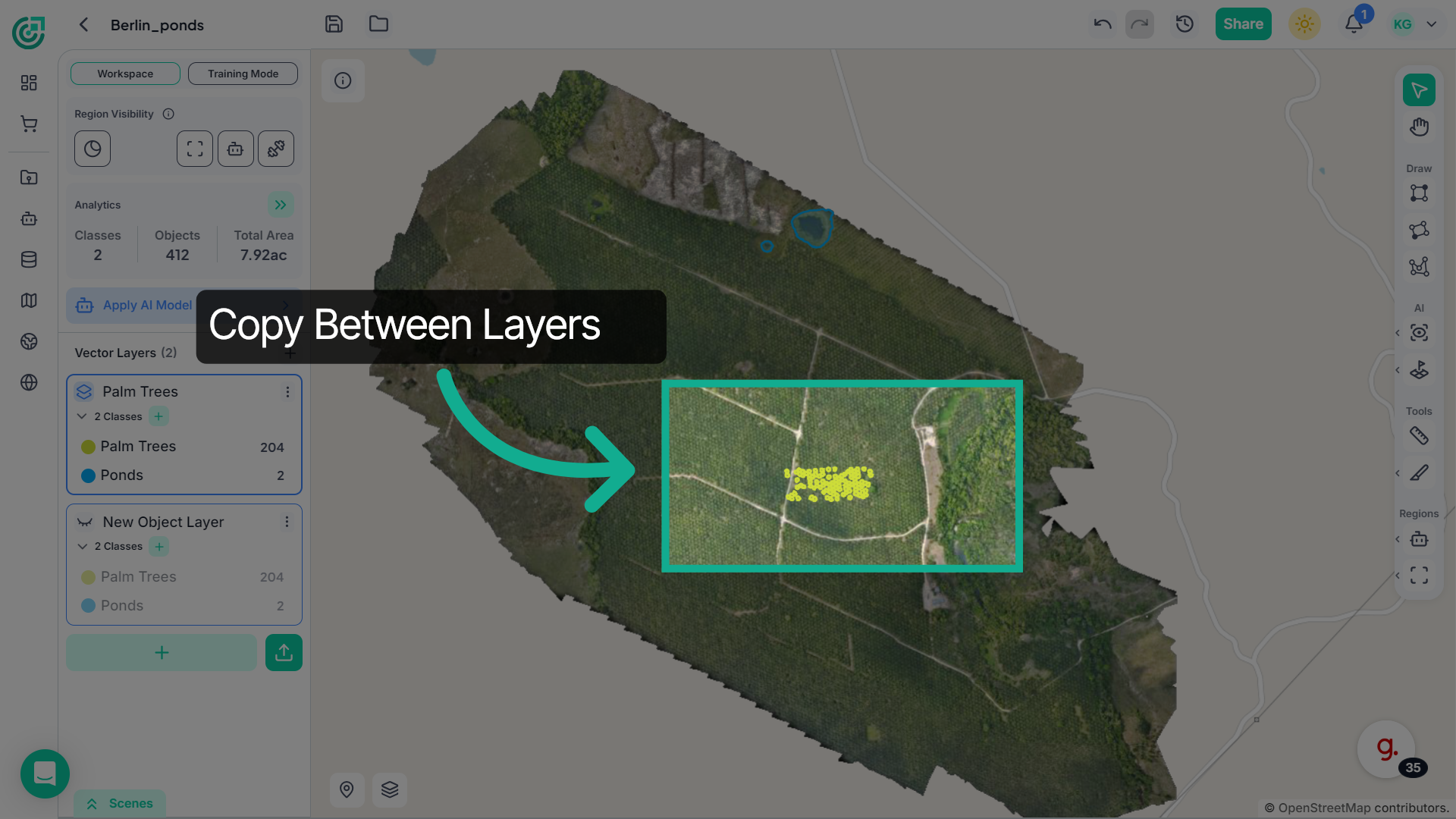
9. Copy Annotations Between Layers
If you need to reuse an annotation in another vector layer, select the annotation and use Ctrl + C to copy it and Ctrl + V to paste it into the desired vector layer.
10. Access Additional Options
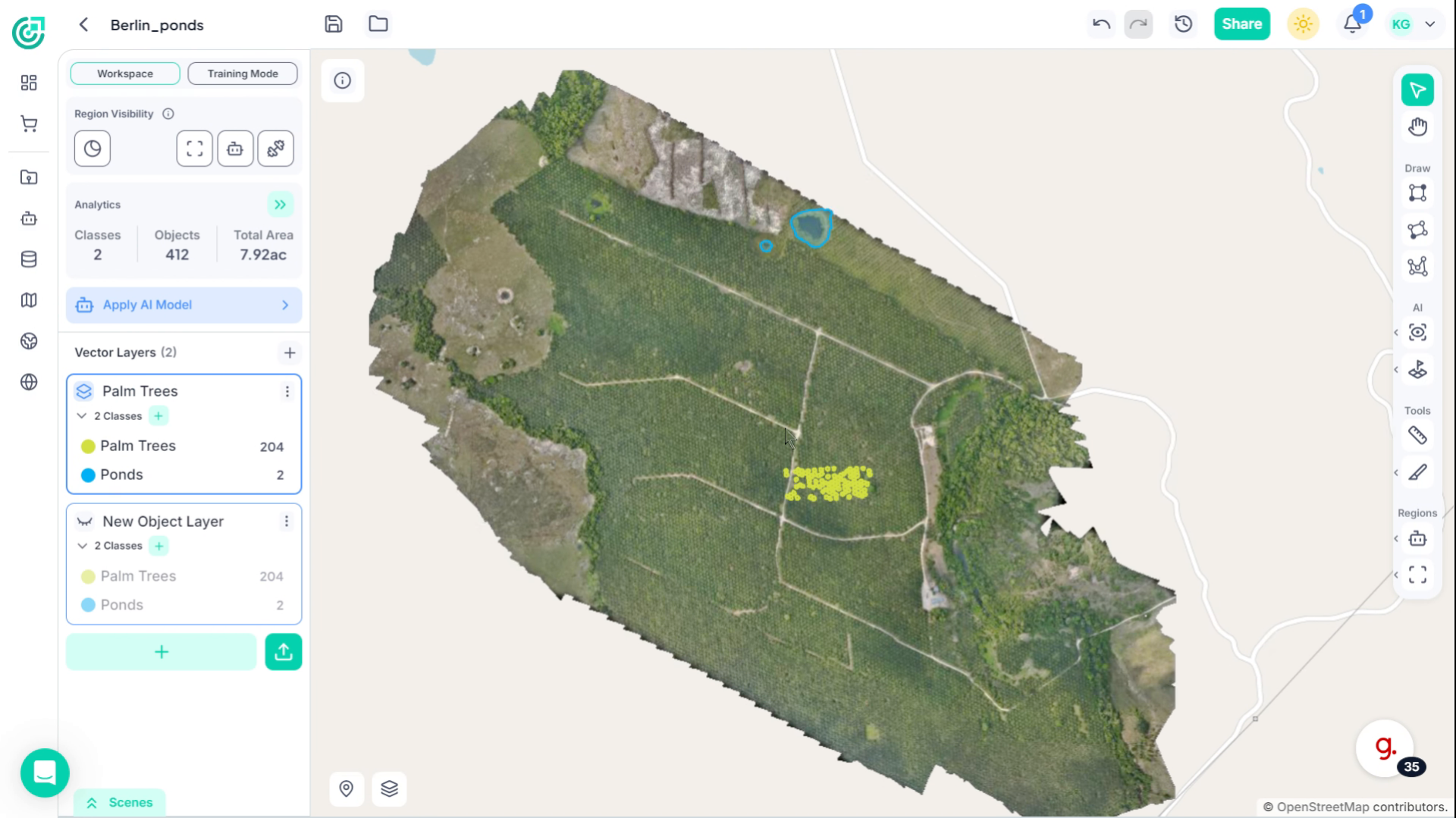
You can also delete annotations in bulk if they are no longer needed.
11. Select for Deletion
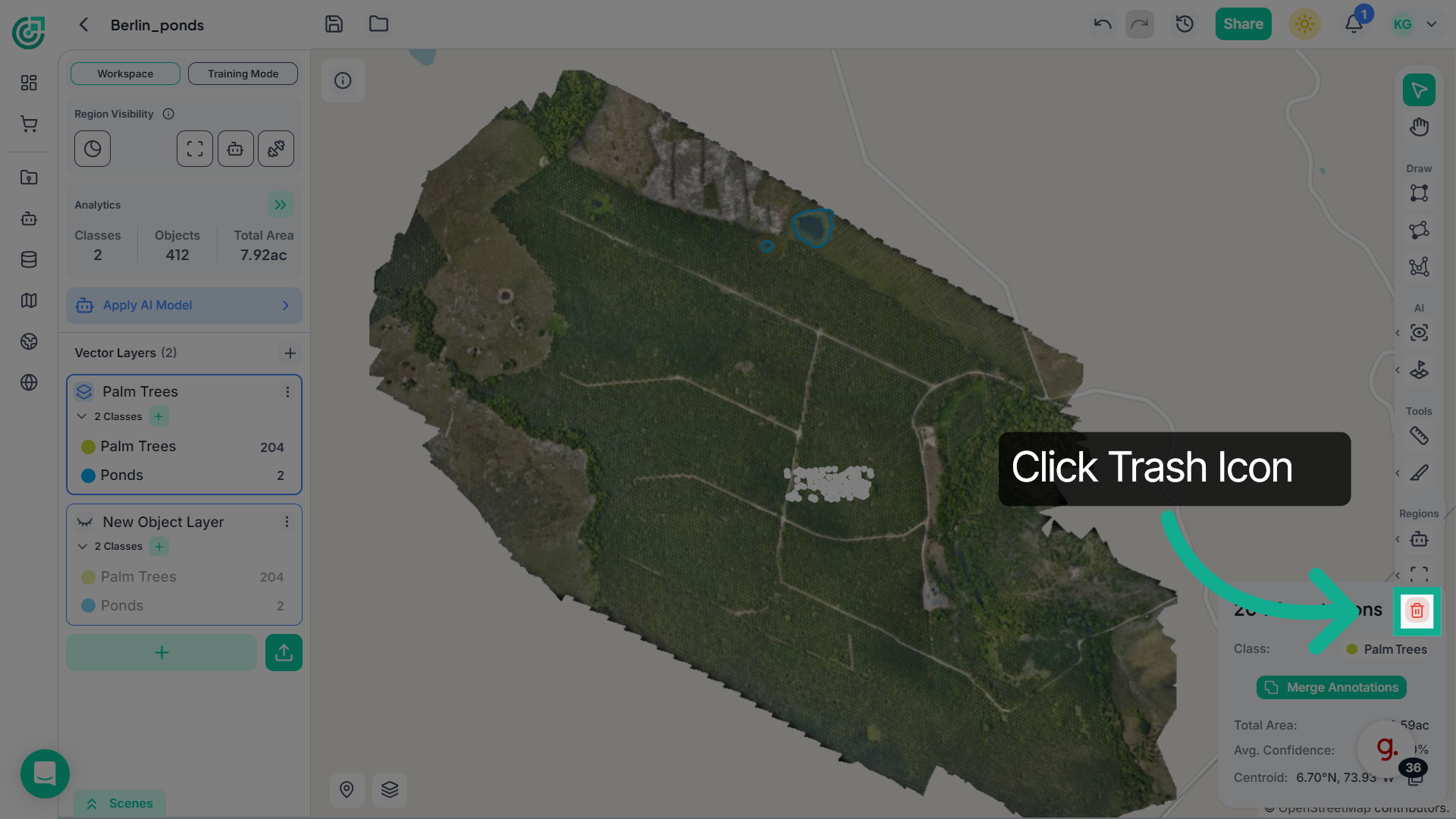
To delete the annotations in bulk, select the annotations in bulk
12. Delete Selected Annotations
Click here to finalize your annotation process and save all changes.
This demo highlights how FlyPix AI streamlines annotation management, enabling you to create, edit, and organize annotations efficiently. Start enhancing your projects today by exploring these powerful annotation features.